
You don't need more data. You need the right data.
EZ Restaurant Insights reads the data your POS already records and sends short email briefings: a daily read on yesterday and a weekly look at what happened, what was normal for your restaurant, and what is worth a closer look. Every figure ties back to your POS Daily Sales Report. No new software and no passwords, and a private link to the charts and full report is there when you want more detail.
What arrives in your inbox
Each briefing is a plain email made to be read on a phone in a few minutes. The samples below are real report layouts filled with demo data for a made-up restaurant.
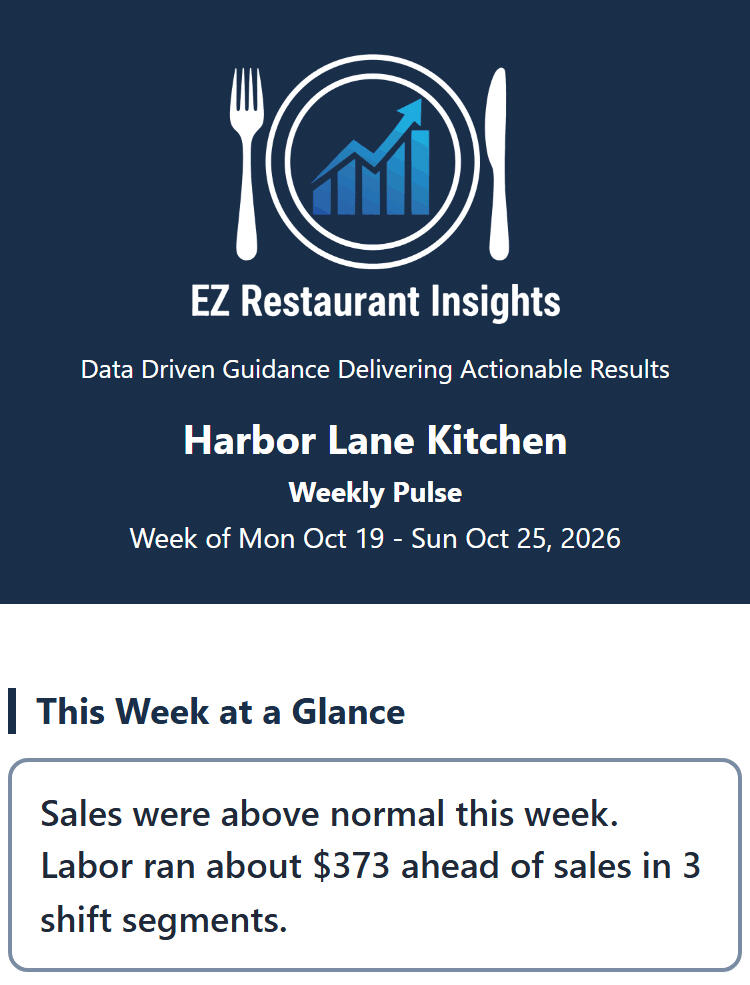
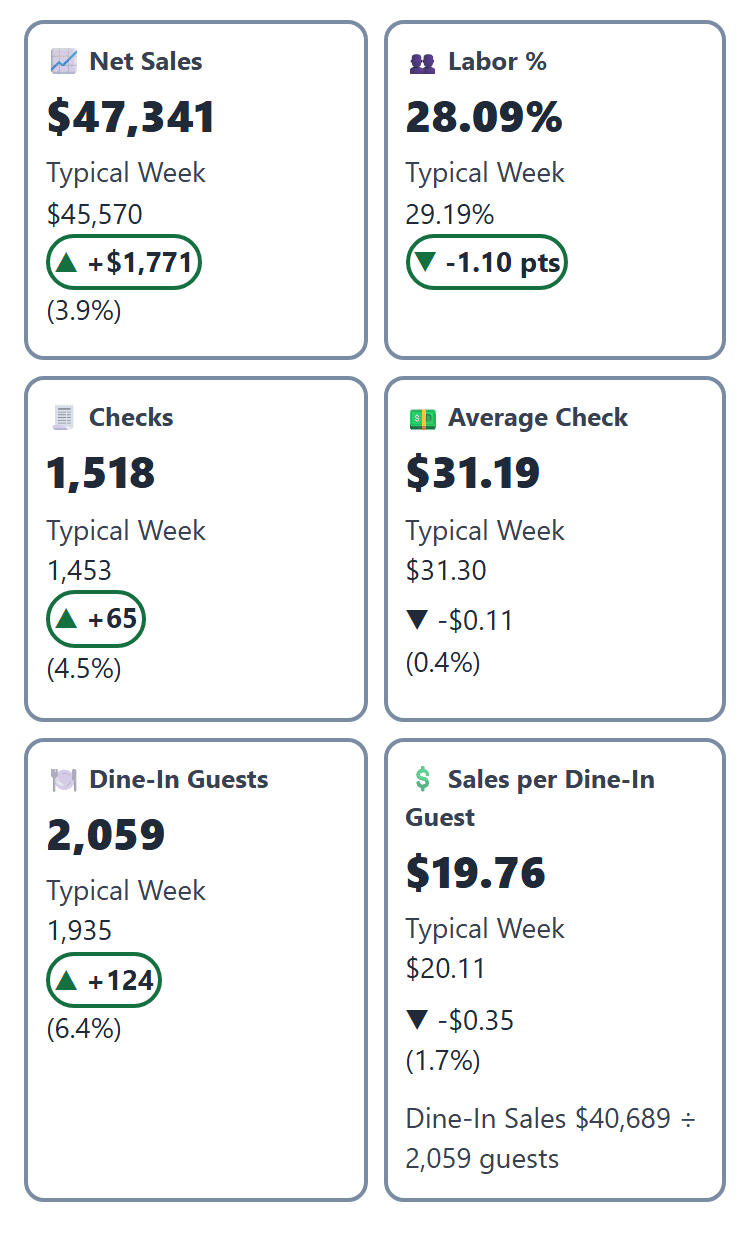
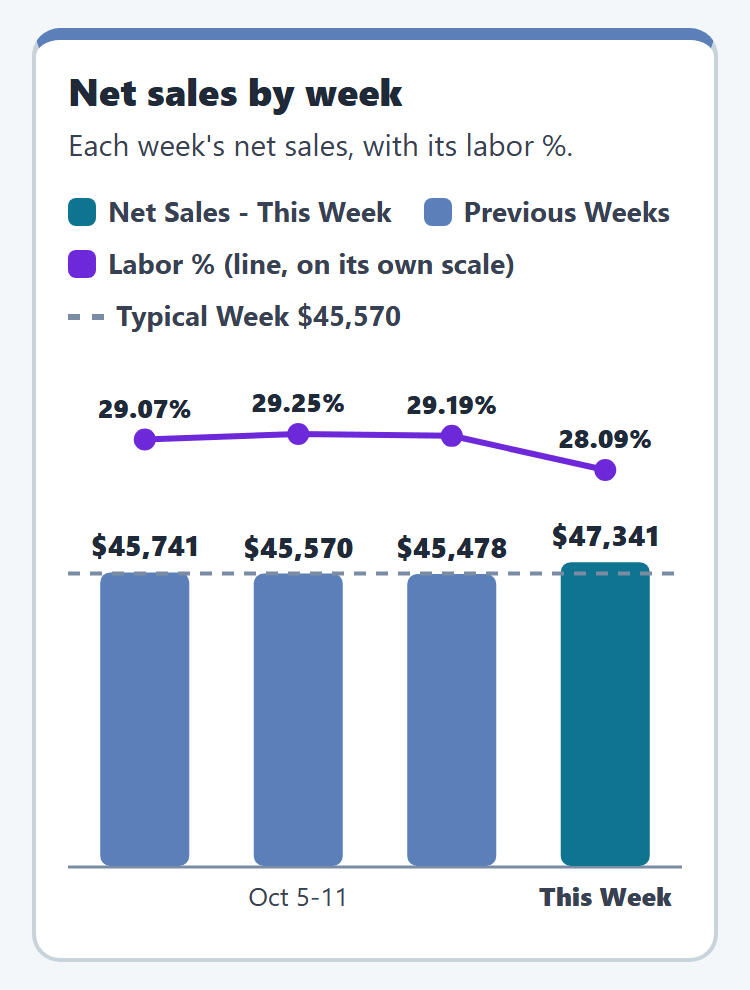
Weekly and Daily Pulse. Sales, checks, labor and sales per labor hour, compared with your own typical same weekday rather than an industry average. It shows which days and shifts ran outside their normal range and what that meant in dollars.
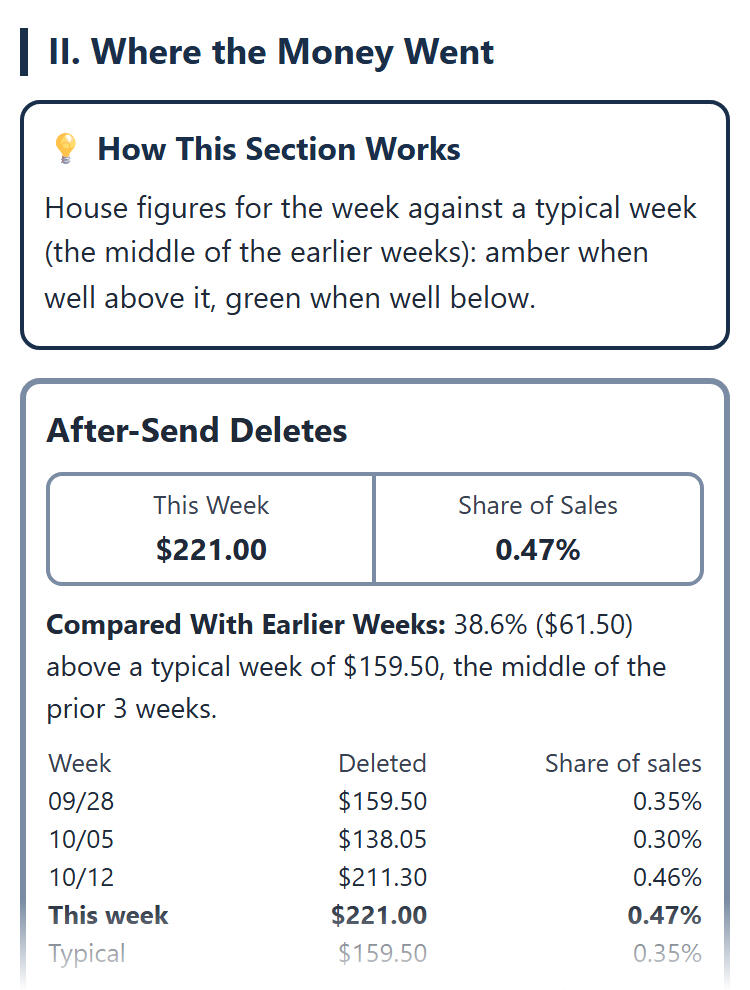
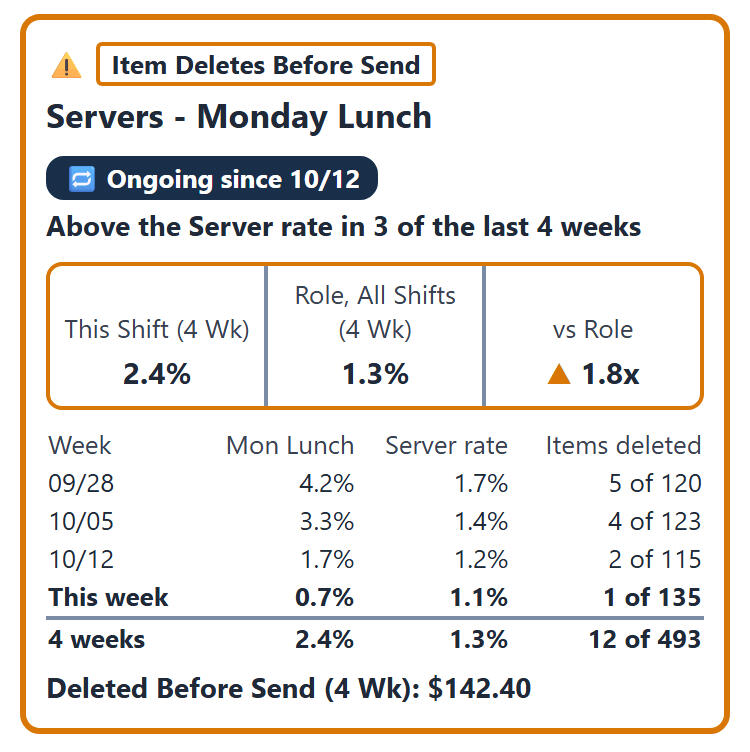
Operational Integrity. Where the money went: voids, deletes, discounts, comps and cash activity, reconciled to your POS totals. Patterns that repeat over four weeks are kept separate from one-off exceptions, and anything involving a manager goes to the owner only.
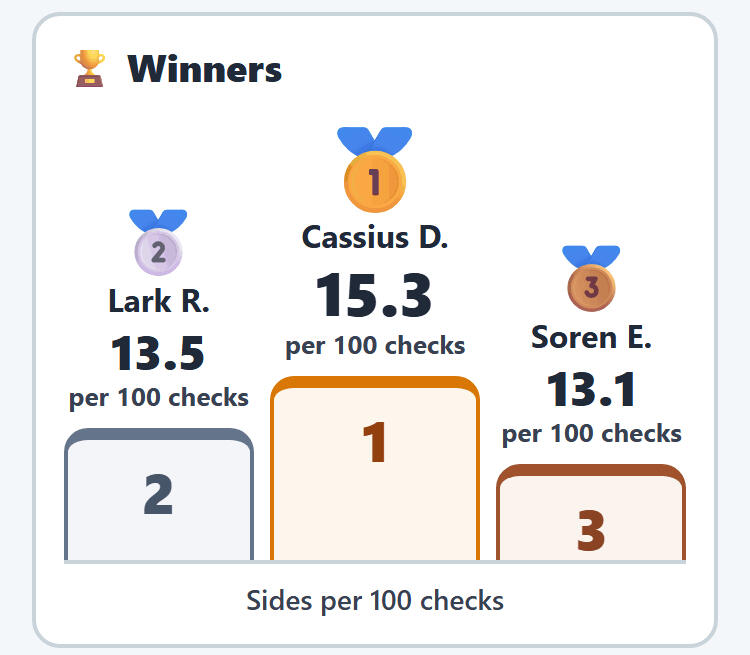
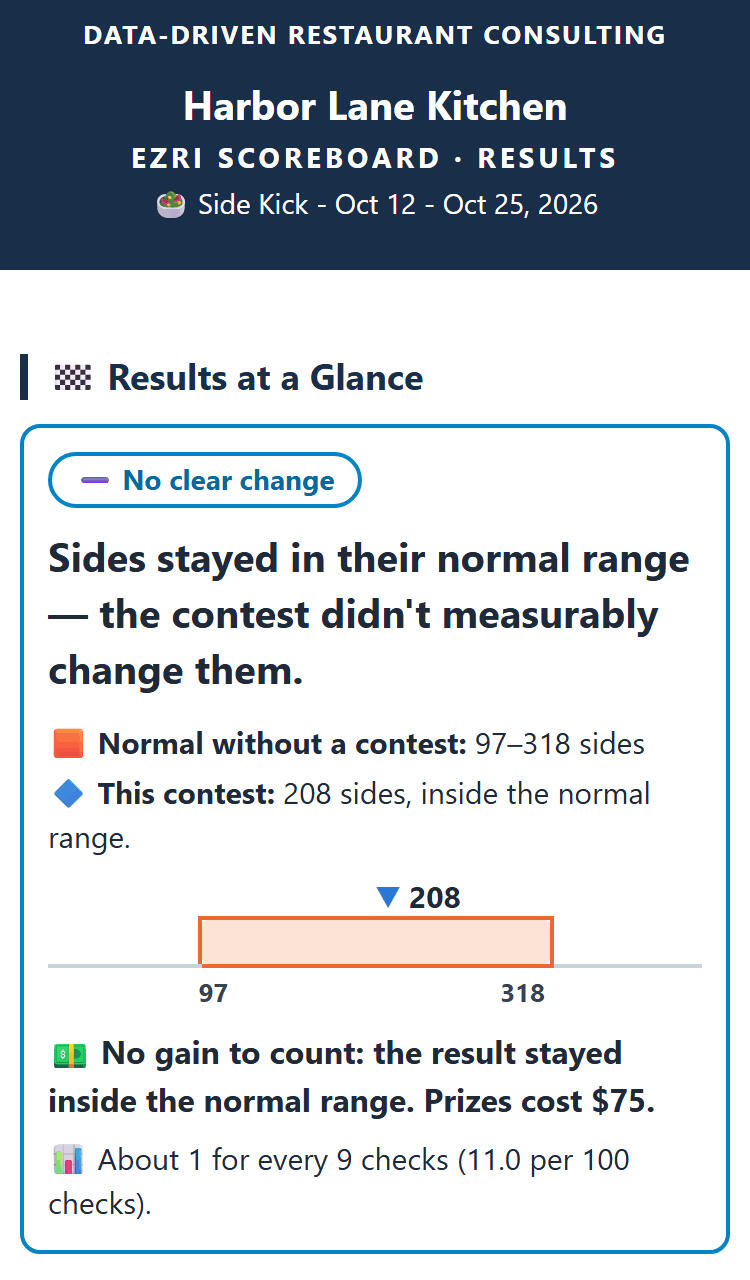
Scoreboard. Staff contests run straight from your POS data, with a live phone scoreboard for the team and a plain result at the end: the contest worked, made no clear change, or dipped.
Why the numbers hold up
Tied to your POS
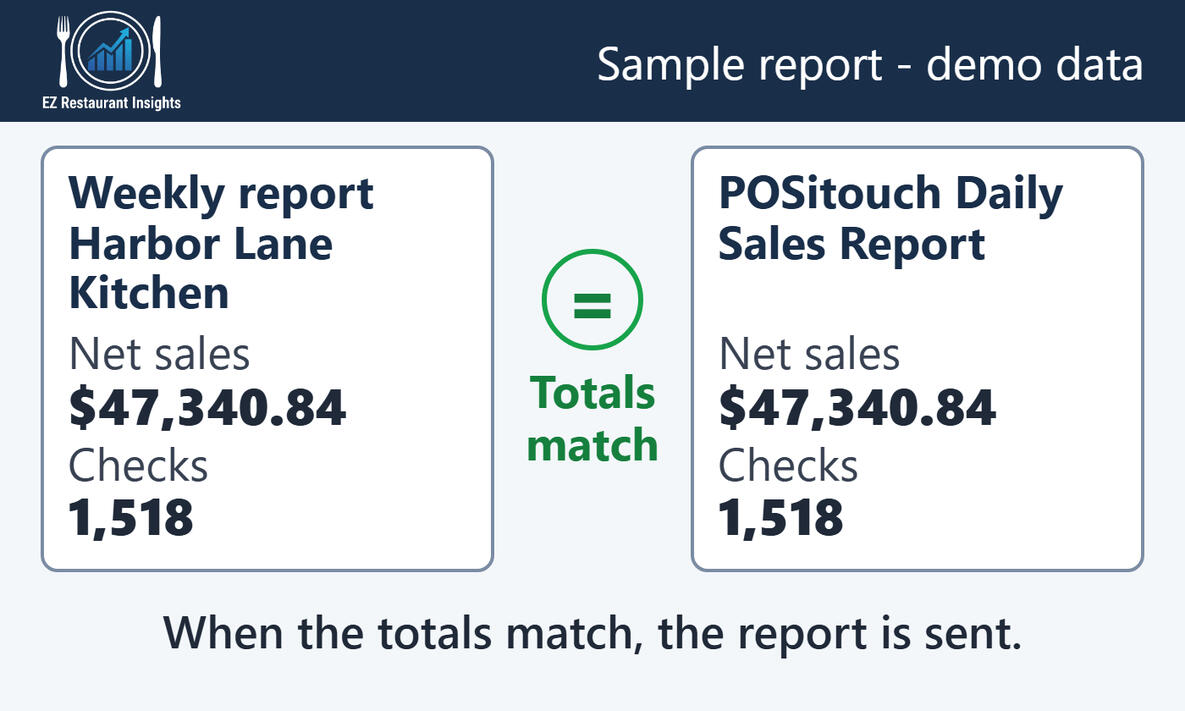
Before a weekly report is sent, its totals are checked against your POS's own figures. If they don't match, the report is held back, not sent.
Formulas do the math, not AI
Every number is calculated by fixed, tested rules. Where AI is used, it writes the plain-English summary from figures that are already calculated. It never estimates a number or decides what gets flagged.
Small samples don't make headlines
Someone who worked three shifts isn't compared with someone who worked thirty, and small dollar amounts don't trigger a card.
How it works
Set up once. After that, the briefings arrive on their own.
1. One-time setup
I install a small scheduled export on your POS server or back-office PC. It copies the reports your POS already produces. Nothing changes for your staff and nothing is added to the terminals.
2. The numbers are built and checked
The data is calculated and compared with your own history, and weekly totals are checked against your POS before anything is sent.
3. The briefings arrive
The owner gets the full version. Managers can get their own version without owner-only items. You decide who gets what.
Questions
What do I need to do?
Give me access to your POS server once for setup and tell me who should get which email. After that, nothing.
Which POS systems does it work with?
EZ Restaurant Insights is built for POSitouch today, the system I know best. Support for other POS systems may come later, so if you use something else, I'd still like to hear from you.
Is this just AI?
No. AI writes the plain-English summaries. Fixed formulas do the math and decide what gets flagged, and the totals are checked against your POS before anything is sent.
Why I built this
I started in restaurants at 16, washing dishes, and spent eight years working through the front of the house. Then I spent 26 years installing and supporting POSitouch systems in restaurants from independent pubs to regional groups.In almost every one, the POS recorded everything and nobody had time to read it. The 40-page reports went unopened, and questions like why food cost moved or where the discounts went waited until next week.EZ Restaurant Insights is built to help your team, not police it. The reports describe what the data shows and why it matters. They don't accuse anyone, and they don't tell your managers how to run a shift. Most of what shows up turns out to be a training gap or a system setting, and the reports treat it that way.I'm based in Rhode Island. I set up every client myself, look over reports regularly, and I'm there when you want to talk one through.
See what your own numbers would show
Email me and I'll walk you through a sample briefing in 15 minutes.
